The short answer
Most ATS rejections come from a handful of fixable causes: a file the system can't parse properly, missing a must-have qualification, a knockout question answered outside the employer's criteria, a job title that doesn't match what recruiters search for, or simply applying late to a crowded role. Diagnose by testing your file, comparing your resume line by line with the posting, and reviewing your screening answers, then fix the specific cause instead of rewriting everything.
01What an ATS rejection really means
"Rejected by the ATS" usually describes one of three outcomes. Knowing which one you're facing tells you what to fix.
- An automatic rejection, often within minutes or hours. This almost always comes from a knockout question or a hard filter the employer set up, such as location, work authorization or a required license.
- Silence. Your application is sitting in a pool that a recruiter hasn't reached, didn't surface in their search, or reviewed and moved on from without sending a message.
- A rejection days or weeks later. Usually a human decision, sometimes sent in bulk when a role closes. Some systems schedule rejection emails, so the timing doesn't always tell you when the decision was made.
In other words, the software is rarely the one judging your experience. It's the filters, the search and the people using it. That's good news, because each of those has a clear fix.
02The real reasons resumes get rejected
1. The ATS couldn't parse your resume properly
If the parser misreads your file, your profile can look empty or jumbled: no job titles, skills mixed into dates, contact details missing. Typical causes are two-column layouts read in the wrong order, tables and text boxes, contact details in the document header, icons in place of words, and scanned or image-only PDFs. Recruiters searching for your skills won't find what the parser couldn't read.
2. You're missing a must-have qualification
Many postings list a few non-negotiables: a degree, a license, a certification, a minimum number of years, or a specific tool. If your resume doesn't clearly show them, a recruiter filtering or skimming for them will pass. Sometimes you have the qualification but it's buried, abbreviated differently, or missing from the skills section.
3. A knockout question took you out
Questions about work authorization, visa sponsorship, location, relocation, willingness to work shifts, salary expectations or years of experience can be configured to reject automatically. A quick misclick, or answering a years-of-experience question too modestly, can end an application that your resume would have carried.
4. Your job title doesn't match what they search for
Recruiters often search by title. If you were a Member of Technical Staff and they search for software engineer, or your company called you a Happiness Lead for what is really customer success management, you can be invisible to that search even with the right experience.
5. Your resume doesn't use the job's language
A generic resume sent to every role tends to miss the specific tools, skills and terms each posting uses. You may have done the work, but if you call it something different, search and match features won't connect it. The resume keywords guide shows how to fix this without stuffing.
6. Timing and volume
Popular roles can attract a very large number of applications. Recruiters often begin reviewing early and may pause or close a posting once they have enough strong candidates. Applying weeks after a posting went up, or to a listing that's been reposted many times, lowers your chances regardless of quality. Some postings are also filled internally or put on hold after they're published.
| Signal you see | Most likely cause | Where to look first |
|---|---|---|
| Rejection within minutes or hours | Knockout question or hard filter | Your screening answers and the posting's hard requirements |
| Silence from almost every application | Parsing problems or a generic resume | Your file's text export and keyword coverage |
| Interviews for some role types, silence for others | Title or keyword mismatch for those roles | The titles and terms used in the postings that go quiet |
| Rejections weeks later from strong-fit roles | Competition, timing or internal candidates | How early you applied and whether you had a referral |
| Screens that don't turn into interviews | Resume over-promises or impact is unclear | Your bullets and how well they hold up in conversation |
03How to diagnose what's going wrong
Rewriting your resume from scratch can waste time if the real problem is a screening answer. Work through these checks in order.
- 1
Test whether your file is readable
Open your PDF, select all the text and paste it into a plain text editor. Look for jumbled order, missing sections, merged words and strange characters. If you can't select the text at all, the file is an image.
- 2
Run it through an ATS analyzer
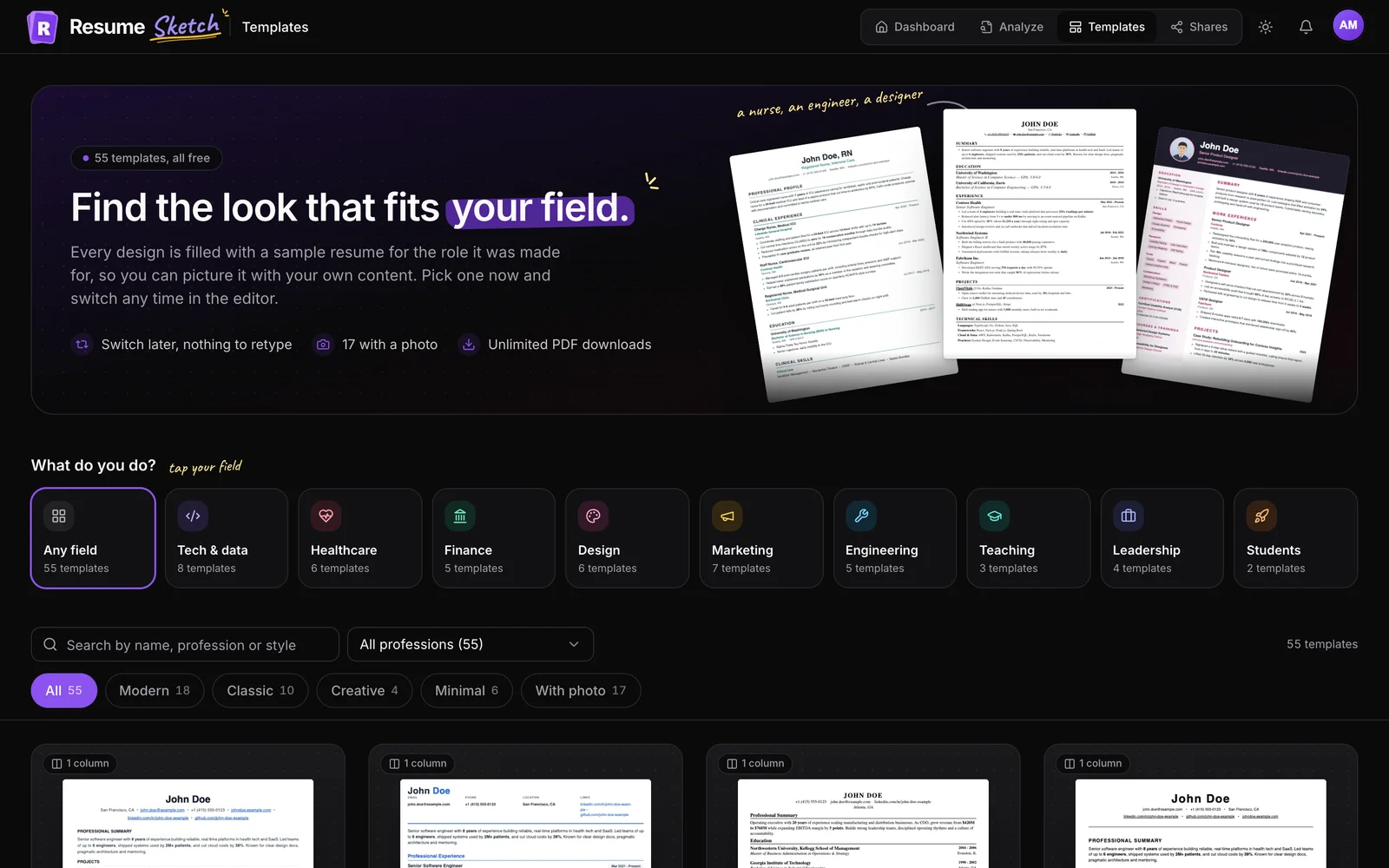
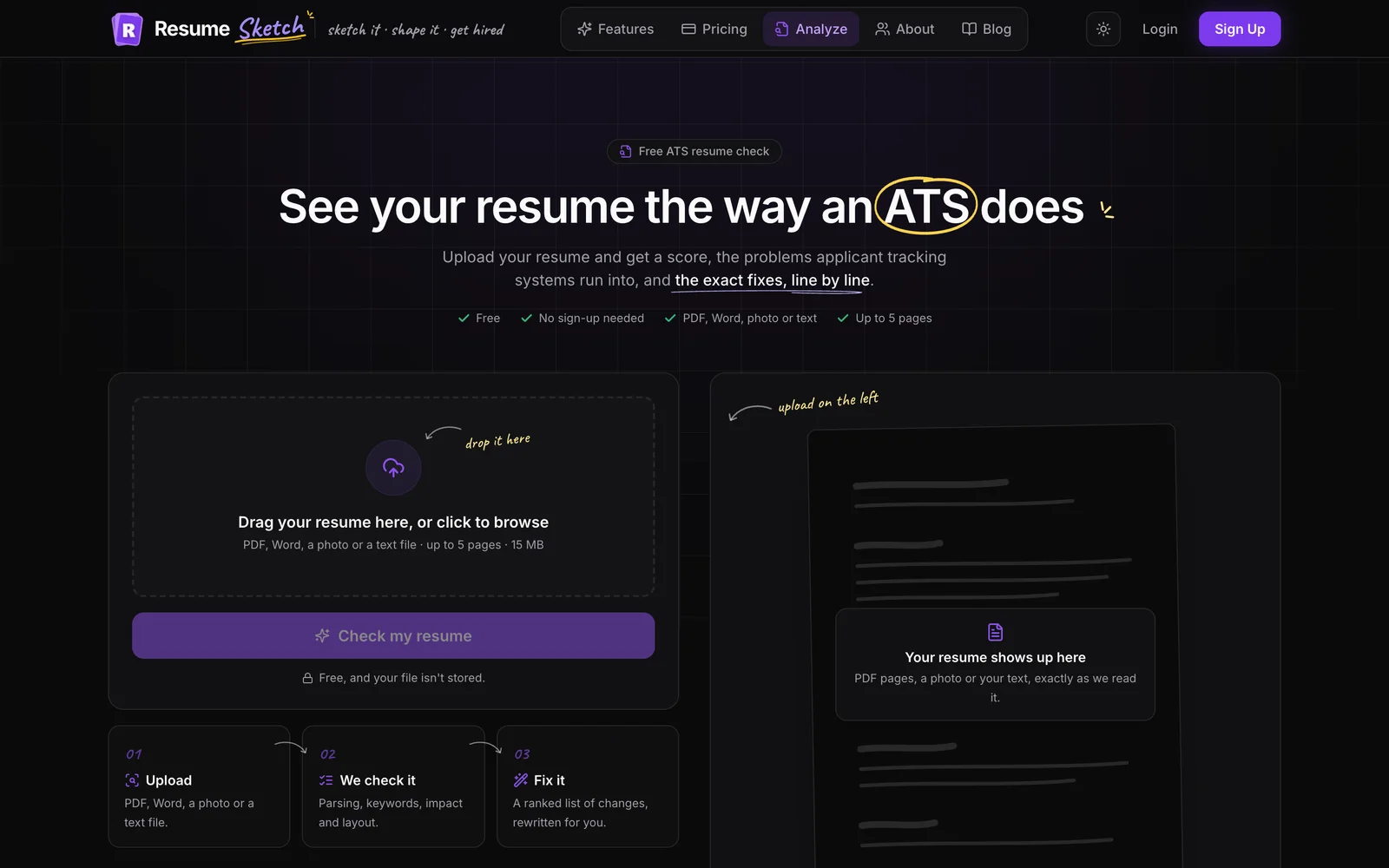
Upload the file to the Resume Sketch ATS analyzer. It checks how an ATS reads your document, measures formatting (columns, fonts, margins, date formats, bullet styles) and lists your issues by severity, from critical to minor.
- 3
Check the must-haves against the posting
List every requirement in the posting marked as required or minimum. For each one, find where your resume proves it. If you can't point to a line within a few seconds, a recruiter won't either.
- 4
Review your screening answers
Many portals let you view your submitted application. Re-read the questions you answered, particularly on authorization, sponsorship, location and years of experience. Note which answers might have triggered a filter.
- 5
Look for a pattern across applications
Track your applications in a simple sheet: role, title used in the posting, date applied, days since posting, referral (yes or no), and outcome. After 15 to 20 applications, patterns usually appear, as in the table above.
04How to fix each cause
Parsing problems
- Move to a single-column, text-based template with standard headings. The ATS resume format guide has a full checklist.
- Put contact details at the top of the page body, not in the header or footer.
- Replace skill bars, icons and charts with plain words.
- Use one date format for every role.
Missing must-haves
- Name required qualifications exactly as the posting does, with full name and acronym:
Certified Public Accountant (CPA). - Add them to your Skills or Certifications section and show them in a bullet.
- Put years of experience in your summary when it's a stated requirement: Financial analyst with 5 years in FP&A.
- If you truly lack a hard requirement, focus on roles where you meet it.
Knockout answers
- Read every question slowly before submitting. Questions about sponsorship are often phrased in the future tense.
- Count your years of relevant experience accurately, including related roles, internships or freelance work where the question allows it.
- Never give a false answer to get through. Misrepresentations usually surface at the background check or offer stage.
Title and keyword mismatches
Before
- Happiness Lead, Acme Inc.
- Skills: CRM, client stuff, reporting
- Handled renewals for accounts.
After
- Happiness Lead (Customer Success Manager), Acme Inc.
- Skills: Salesforce, Gainsight, renewals, onboarding, QBRs
- Managed renewals for a portfolio of mid-market accounts, keeping churn below team target for four straight quarters.
Keep your real title and add the common equivalent in brackets. It's honest, and it helps you surface in title searches. To tune each application, add the posting as a target job in the editor and follow how to tailor your resume to a job description.
Timing and volume
- Set job alerts and apply within the first few days of a posting where you can.
- Ask for referrals before applying. Referred candidates often get a closer look.
- Follow up with a short, specific note to the recruiter or hiring manager. The cold email guide shows how Resume Sketch can draft one.
05Fixing it in Resume Sketch
Once you know the cause, the fix is usually a focused edit, not a rewrite. A practical workflow:
- 1
Read the action plan in your analyzer report
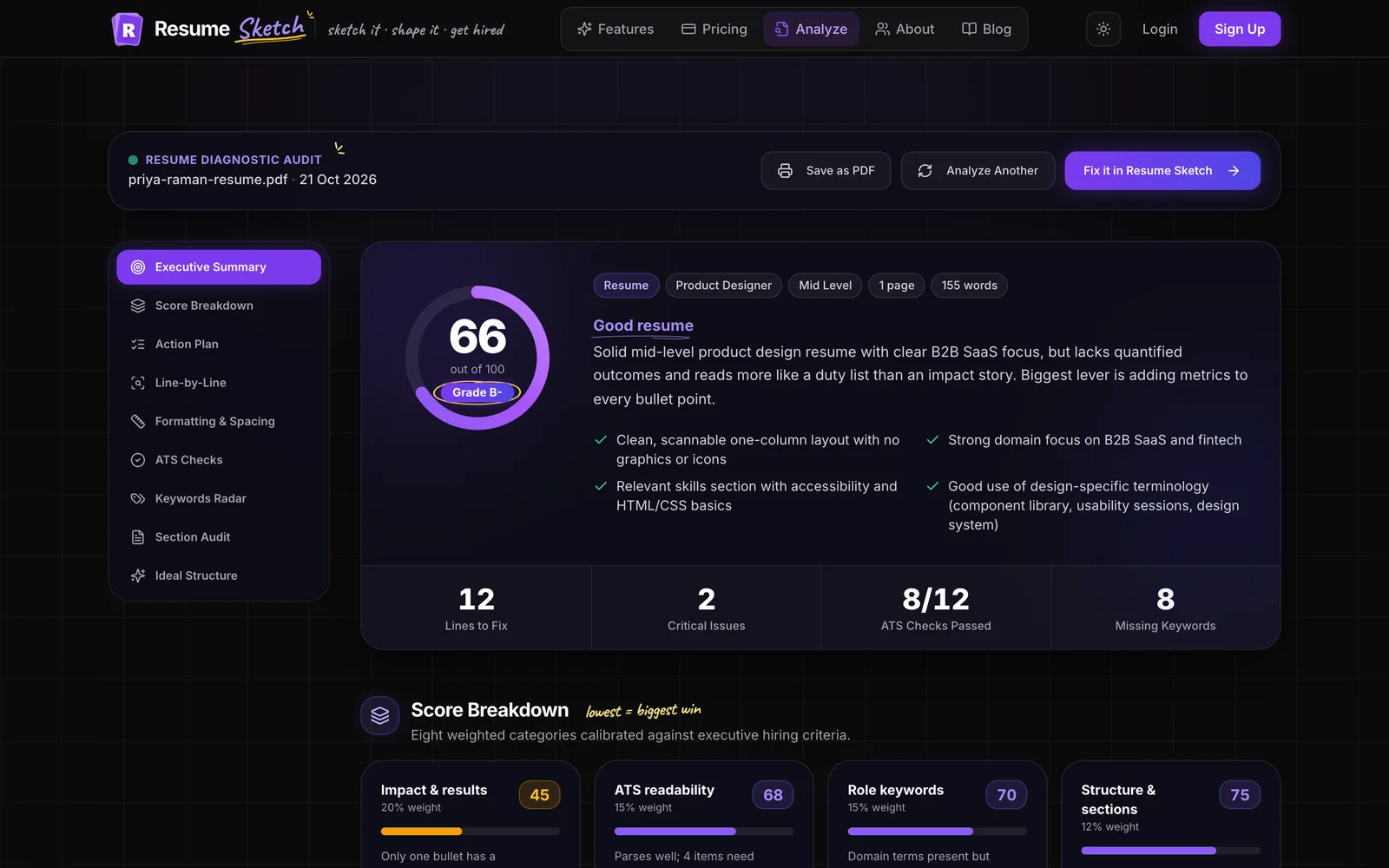
The report ranks fixes by impact and effort, from quick fixes to deeper rewrites, and flags weak lines with suggested rewrites you can copy. Start with anything marked critical. See the ATS analyzer guide for what each part of the report means.
- 2
Rebuild on an ATS-friendly template if parsing failed
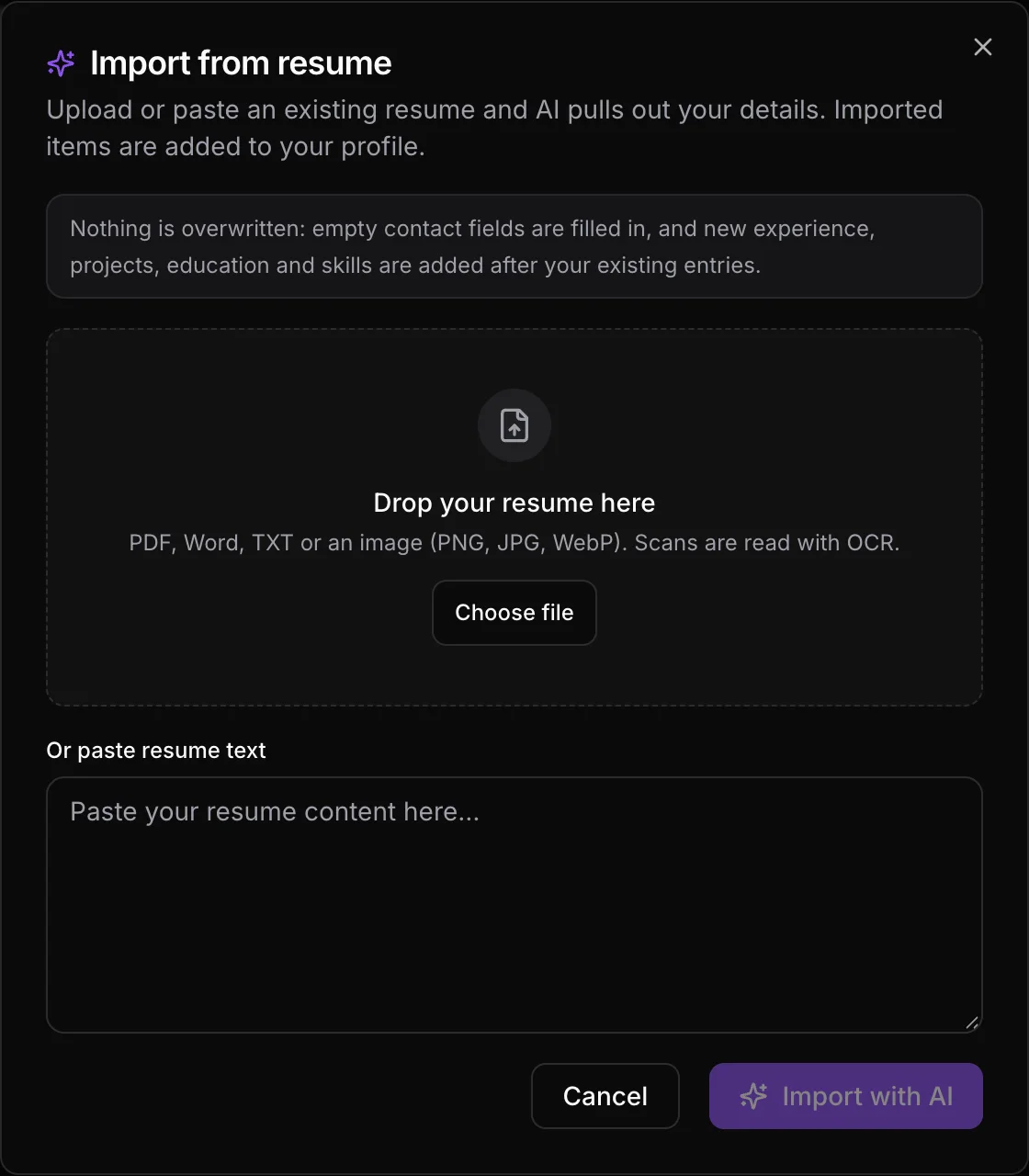
If the problem is your layout, import your existing resume into your profile, create a new resume from it and choose a single-column template. Your content carries over, so you only fix the format.
- 3
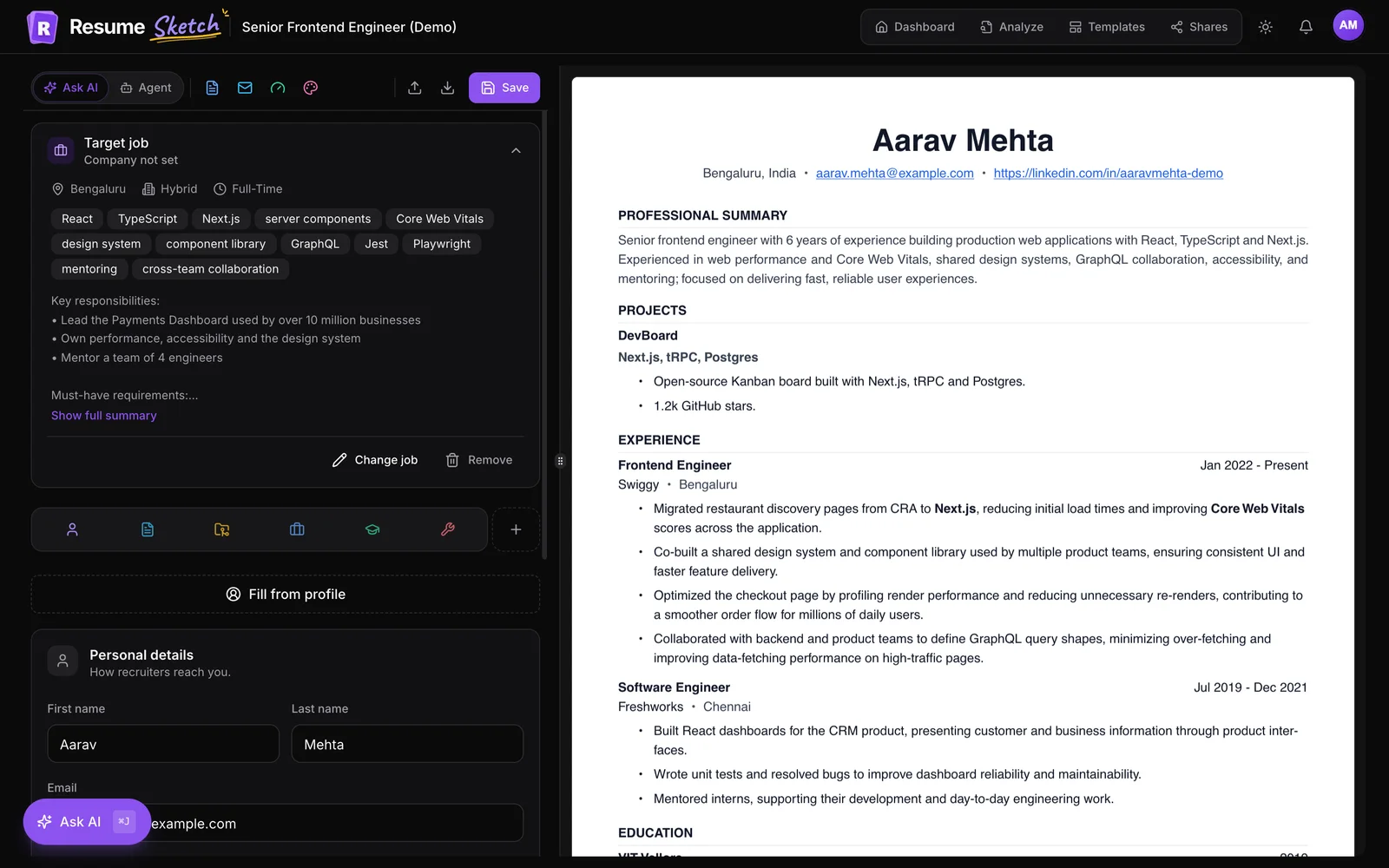
Tailor the content to the posting
Add the job as a target job, then use Ask AI to adjust your summary, titles and bullets for that role. You review every suggested change before it's applied.
- 4
Re-check before you apply
Download the new PDF and run it through the analyzer again to confirm the critical issues are gone.
06When it isn't your resume
Sometimes you do everything right and still hear nothing. Roles get frozen, filled internally, or reposted to build a pipeline. Recruiters can be stretched across many openings. A rejection is information, not a verdict on your worth.
Treat each batch of applications like an experiment: change one variable, measure what happens, and keep what works.
Frequently asked questions
Why did I get a rejection email within minutes of applying?
A very fast rejection almost always comes from a knockout question or hard filter, such as work authorization, sponsorship, location or a required license, rather than from someone reading your resume. Review your screening answers and the posting's stated requirements.
How can I tell if my resume is being parsed correctly?
Copy all the text from your PDF into a plain text editor and check the order and completeness. Many application portals also show the fields they extracted from your resume before you submit, which is a useful preview. An ATS analyzer will flag common parsing problems for you.
Should I reapply to the same job after fixing my resume?
If the posting is still open and you've made meaningful changes, it can be worth reapplying or, better, reaching out to the recruiter directly. Some systems keep only your first application or flag duplicates, so check the portal's guidance first.
Does an employment gap get me rejected by the ATS?
The software doesn't usually reject you for a gap on its own. A recruiter may notice it, so a brief, honest note such as a career break, caregiving, study or freelance work helps the human reader.
Can I see why an ATS rejected me?
Usually not. Employers rarely share the reason. You can ask a recruiter for brief feedback, and you can work out likely causes by testing your file, checking your answers and looking for patterns across applications.