The short answer
The safest ATS resume format is a single-column, text-based PDF (or Word file if the employer asks for one) with standard section headings, a common font at 10 to 12 points, one consistent date format and contact details in the body of the page. Avoid tables, text boxes, icons in place of words and image-only files. Leave the photo off in the US, UK, Canada and Australia, and follow local norms elsewhere.
01Why format matters more than you think
Before anyone judges your experience, an applicant tracking system has to read it. The ATS extracts the text from your file and tries to sort it into fields like job title, employer, dates, education and skills. Recruiters then search and filter on that extracted data. If the format confuses the parser, your strongest achievements can end up garbled, misfiled or missing.
The good news: an ATS-friendly format doesn't mean a plain, joyless page. It means a clear structure, real text and predictable conventions. A clean, modern design that follows these rules works for both the software and the person who opens your file afterwards.
02File type: PDF or Word?
Both work in most modern systems, as long as the file contains real, selectable text. Use this simple rule:
- Default to a text-based PDF. It keeps your layout exactly as designed on every screen and parses well in most current ATS platforms.
- Send Word (.docx) when asked. Some portals and recruiters request it. Always follow the posting's instructions.
- Never send an image. A scanned page, a photo of your resume, or a PDF exported as a picture from a design tool contains no readable text for the ATS.
- Skip unusual formats such as .pages, .odt or zipped files unless they're explicitly accepted.
Name the file clearly, for example Priya-Sharma-Resume.pdf. Recruiters download many files, and resume_final_v7.pdf doesn't help them find yours.
03Layout: columns, tables, text boxes and graphics
Layout is where most parsing problems start. Parsers read text in an order, and anything that breaks that order puts your content at risk.
Avoid
- Two or three columns for your main content
- Tables used to lay out experience or skills
- Text boxes and floating shapes
- Skill bars, star ratings and charts
- Icons instead of words (a phone icon with no label is fine; an icon in place of a heading is not)
- Contact details placed inside the document header or footer
- Important text inside images or logos
Prefer
- One column that reads top to bottom
- Plain text sections with simple bullets
- Normal paragraphs and lists
- Skills written as words, grouped by type
- Clear text labels for every section
- Name and contact details at the top of the page body
- Text-only content; decoration is optional
Some modern parsers handle two-column layouts well, and some don't. Because you can't know which system an employer uses, a single column is the lower-risk choice. A thin sidebar for contact details is less risky than splitting your experience into columns, but if you're applying to large employers through online portals, a single column is still the safest bet.
Skill bars deserve a special mention. A bar showing you are 80% Python means nothing to a parser and very little to a recruiter. Write the skill instead, and show the level through what you built with it.
04Section headings and order
Use headings a parser and a recruiter will recognize immediately. Clever headings make the software guess and slow the reader down.
| Use this | Instead of |
|---|---|
| Summary or Professional Summary | About Me, My Story, Who I Am |
| Experience or Work Experience | Where I've Been, Career Journey |
| Education | Learning, Academic Background (acceptable, but less standard) |
| Skills | Toolbox, What I Bring, Superpowers |
| Projects | Things I've Built |
| Certifications | Badges, Credentials Wall |
A typical order for experienced candidates is: contact details, summary, experience, skills, education, then optional sections such as projects, certifications or languages. Students and recent graduates often put education and projects before experience. Career changers can lead with a short summary and relevant projects. Whatever you choose, keep experience in reverse chronological order, most recent first.
05Fonts, size, margins and dates
Fonts
Choose a common, readable font such as Arial, Calibri, Helvetica, Lato, Roboto, Georgia or Garamond. Use one font for the body and, at most, a second for headings. Avoid script or heavily decorative fonts, which can parse oddly and are hard to read.
Size and spacing
- Body text at 10 to 12 points; headings a little larger or bold.
- Margins of roughly 0.5 to 1 inch (about 1.3 to 2.5 cm).
- Consistent line spacing and one bullet style throughout.
- One page for early-career candidates is common; two pages is normal for experienced professionals. Length should follow relevance, not a rule.
Dates
Pick one date format and use it everywhere. Jan 2022 – Mar 2024 or 01/2022 – 03/2024 are both fine. Mixing 2022, Jan '22 and 2022-01 on one page makes it harder for a system to calculate your years of experience. Put dates on the same line as each role or degree, and use Present for your current job.
06Photos and personal details by region
Whether to include a photo has nothing to do with ATS parsing (a photo is simply ignored or stored as an image). It's about local hiring norms. These are general conventions, so check what's usual in your industry and the specific company.
| Region | Photo? | Notes |
|---|---|---|
| United States, Canada | No | Leave out photo, age, date of birth and marital status. Employers often prefer not to receive them, to avoid bias concerns. |
| United Kingdom, Ireland | No | Same as the US: skip the photo and personal details unrelated to the job. |
| Australia, New Zealand | Usually no | Photos are uncommon outside roles where appearance is relevant, such as acting or modeling. |
| Germany, Austria, Switzerland | Often expected | A professional headshot is still common on a Lebenslauf, though no longer strictly required. |
| France, Spain, Italy, Belgium | Common | Frequently included; a neutral, professional photo is the norm. |
| Middle East (e.g. UAE, Saudi Arabia) | Common | Photos and nationality are often included on CVs. |
| East Asia (e.g. Japan, China, South Korea) | Often expected | Local formats often include a photo; Japan has its own standard resume format. |
| India | Varies | Many corporate applications leave it out; some sectors and smaller firms expect it. Follow the posting. |
If your target market expects a photo, use a recent, well-lit headshot with a plain background. If you're unsure whether you need a resume or a CV for a region, read resume vs CV: the complete guide.
07The ATS format checklist
| Check | Pass if… |
|---|---|
| File type | Text-based PDF, or .docx when the employer asks for Word |
| Selectable text | You can select and copy every line in the file |
| Layout | Main content in a single column; no tables or text boxes holding key information |
| Contact details | Name, email, phone, city and links at the top of the page body, not in the header or footer |
| Headings | Standard names: Summary, Experience, Education, Skills, Projects, Certifications |
| Order | Experience in reverse chronological order |
| Font | One or two common fonts; body text 10 to 12 pt |
| Margins | Roughly 0.5 to 1 inch on every side |
| Dates | One format used for every role and degree |
| Bullets | One simple bullet style throughout |
| Graphics | No skill bars, charts, or text inside images |
| Photo | Included or omitted according to the norms of the country you're applying in |
| File name | Your name and the word Resume, e.g. Firstname-Lastname-Resume.pdf |
Getting the format right in Resume Sketch
- 1
Pick an ATS-friendly template
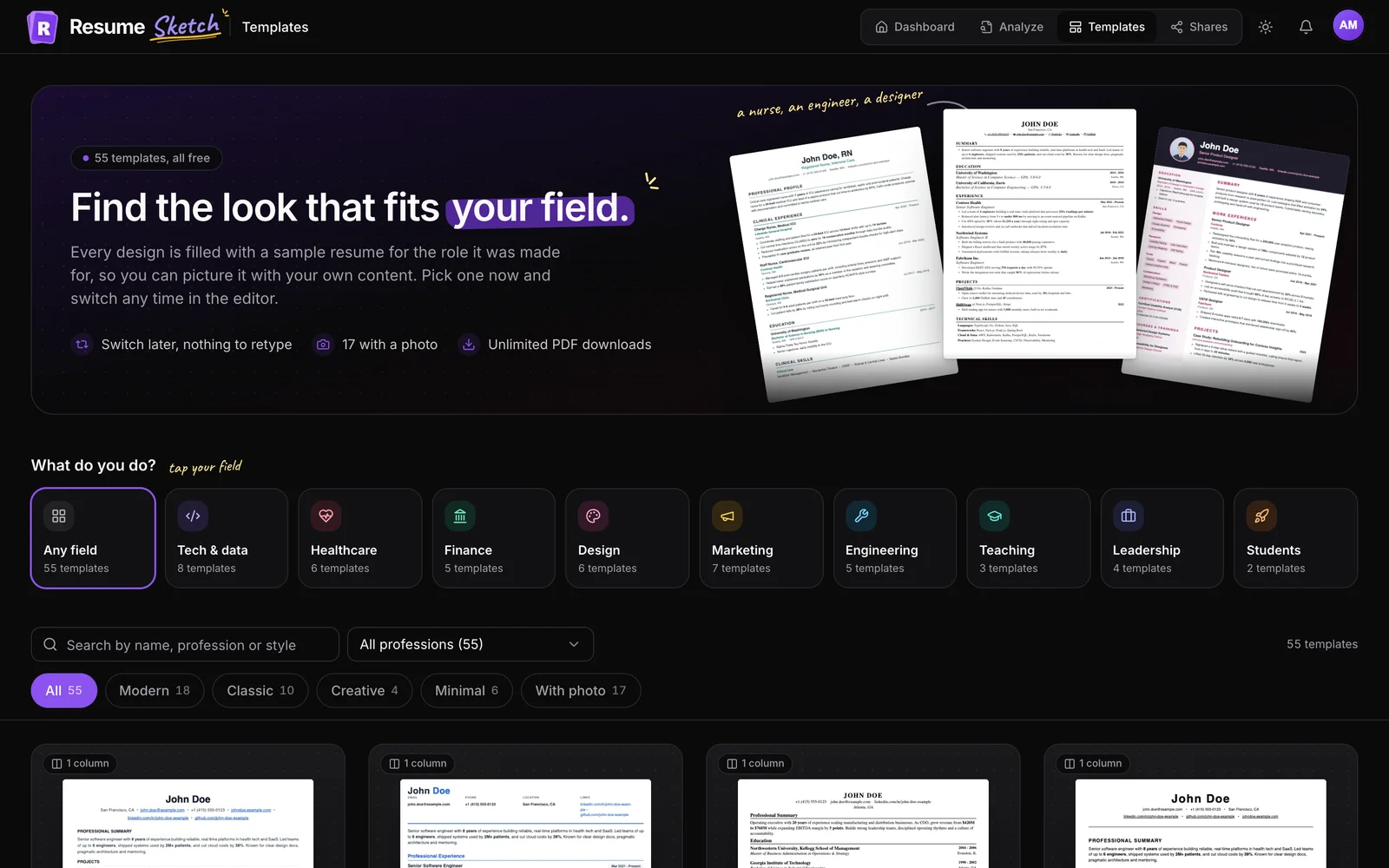
Browse the templates gallery. Each sample uses role-specific content so you can judge how it reads. There are role-based designs (for example, for software engineers and finance professionals) and photo templates with portrait layouts for regions where a photo is expected.
- 2
Set your section order once
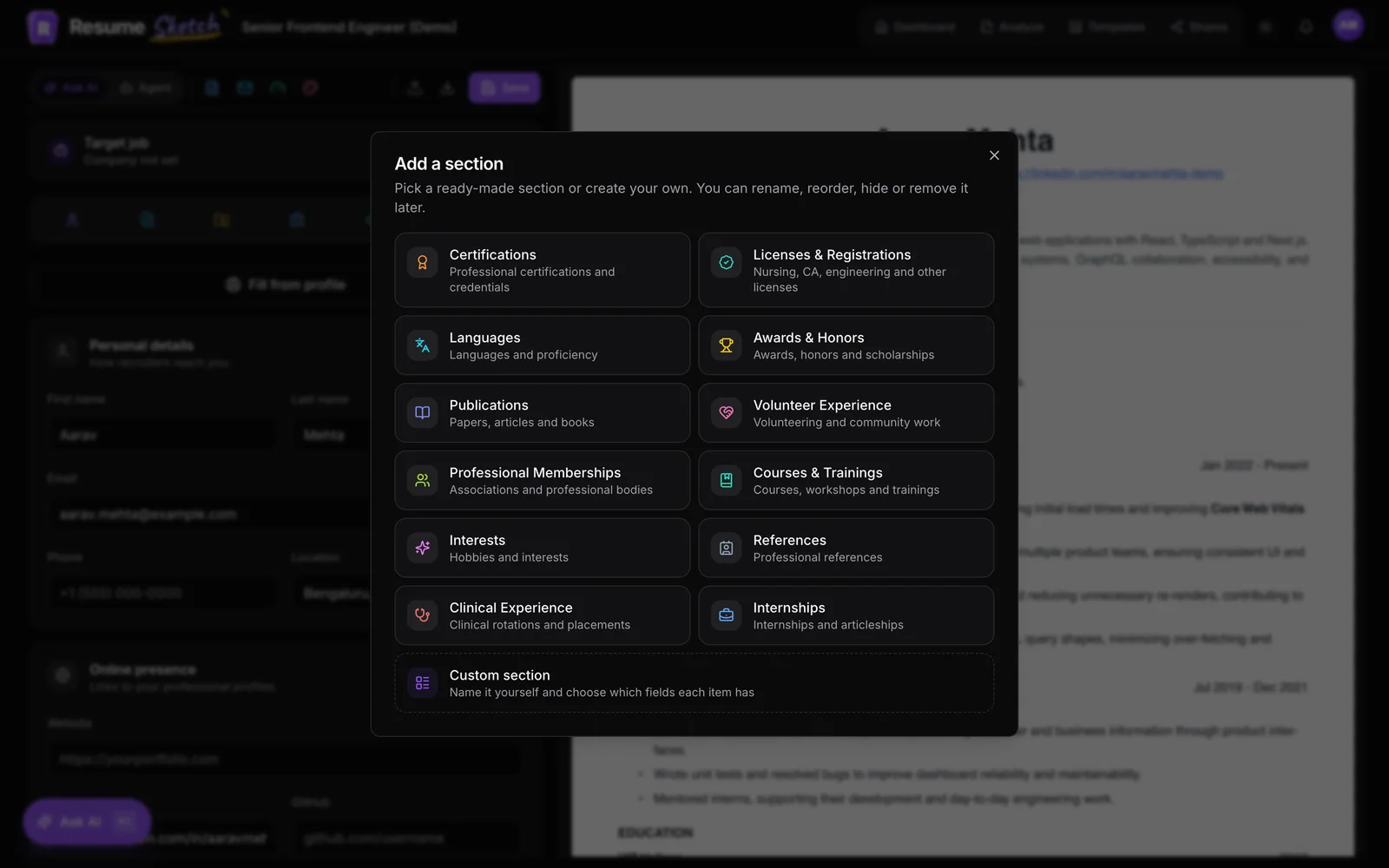
In the editor, drag sections into the order you want. The order applies to every template, so you can switch designs without rearranging anything.
- 3
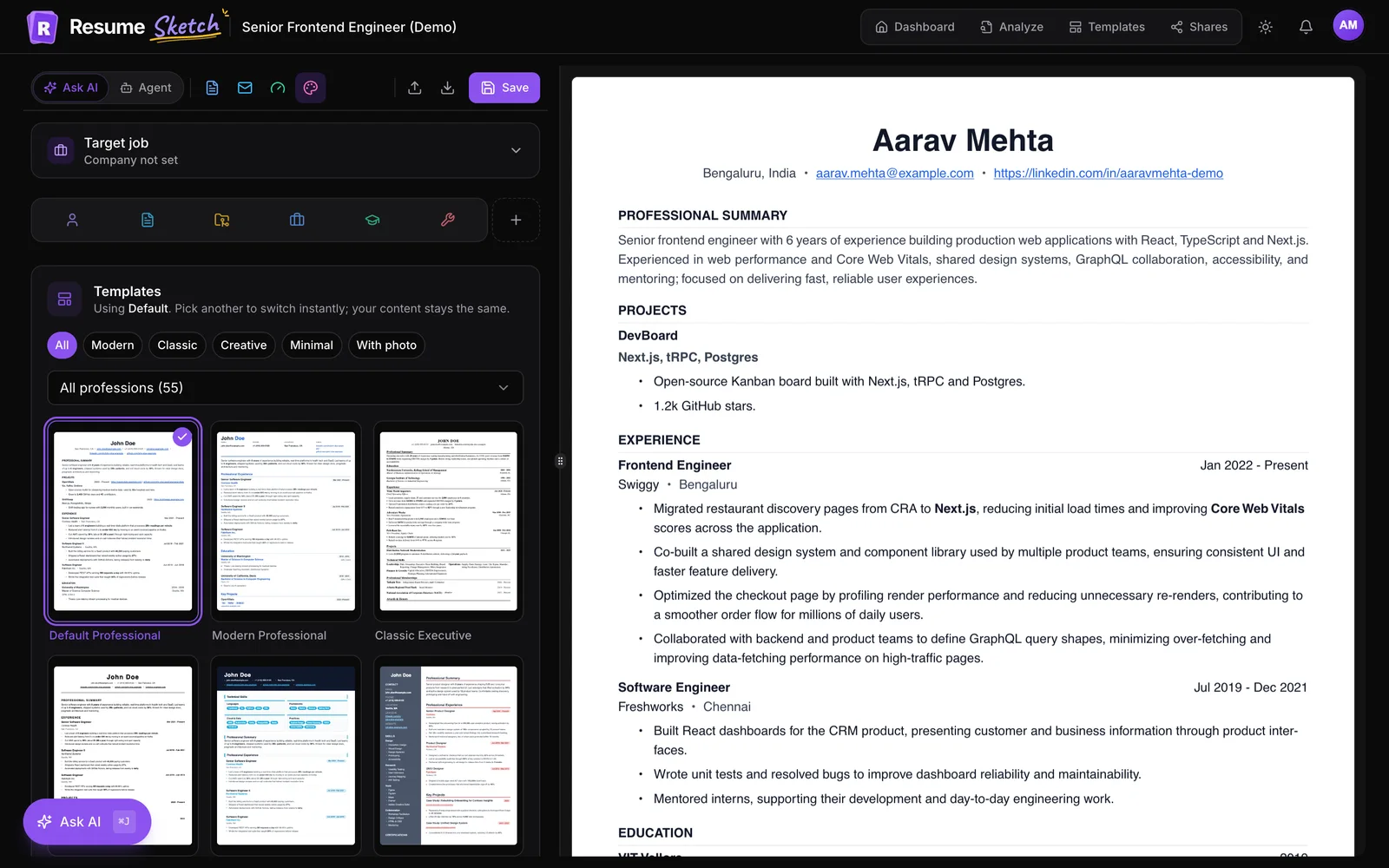
Adjust the design and check the live preview
Open the design settings in the editor to switch templates and fine-tune the look while the PDF preview updates on the right.
- 4
Download a text-based PDF and test it
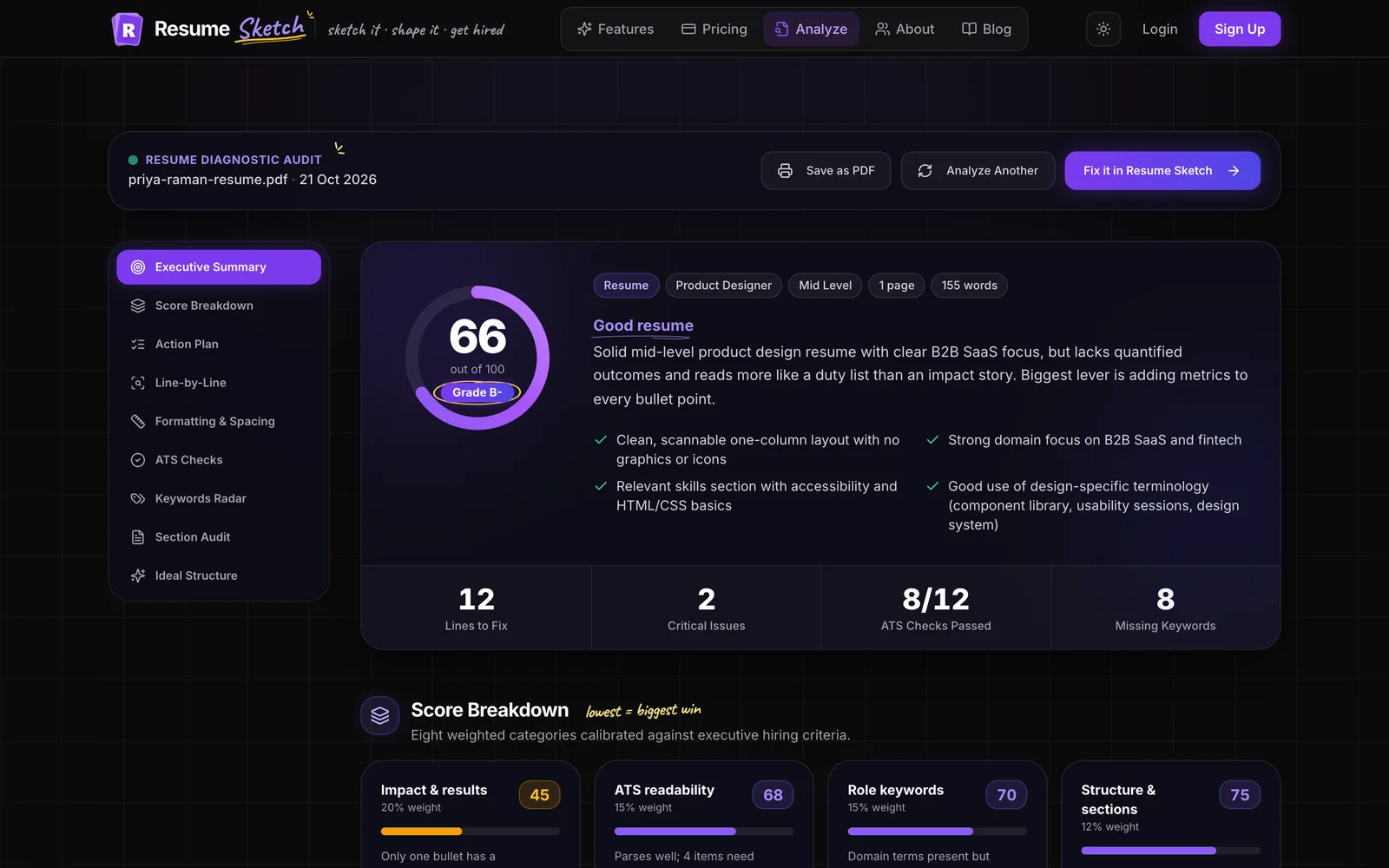
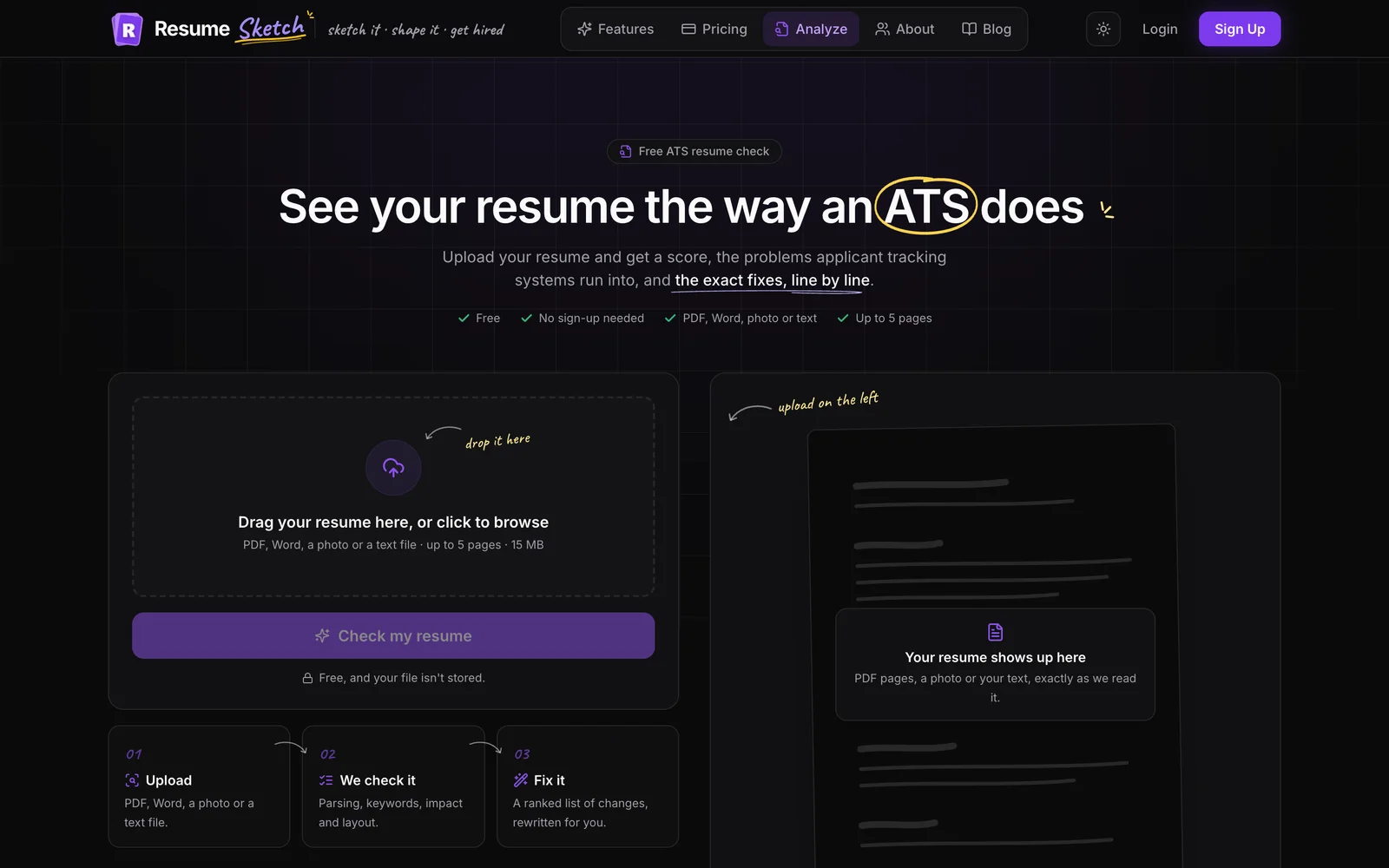
Download the PDF from the editor, then run it through the ATS analyzer. Its formatting section measures fonts, margins, columns, bullet styles and date formats from your actual file. The templates and design guide covers the design options in more detail.
Frequently asked questions
What is the best resume format for ATS?
A reverse-chronological, single-column resume with standard headings, a common font, consistent dates and real text. Submit it as a text-based PDF unless the employer asks for Word.
Are two-column resumes bad for ATS?
Not always, but they carry more risk. Some parsers read columns in the wrong order and mix sections together. If you're applying through large online portals, a single column is the safer choice.
Can an ATS read headers and footers?
Some can and some skip them. Keep your name and contact details in the main body of the page so they're captured either way. A page number in the footer is fine.
Should my resume have a photo?
In the US, UK, Canada and Australia, generally no. In much of continental Europe, the Middle East and parts of Asia, a professional photo is common or expected. Follow local norms and the posting's instructions.
Does the font really matter for ATS?
Standard fonts parse reliably and read well. Decorative or unusual fonts can occasionally produce garbled characters and are harder for recruiters to scan. Stick to common choices at 10 to 12 points.