The short answer
Use ChatGPT (or Claude) for thinking and drafting, and an AI resume builder for the finished file: ATS-friendly templates, a target job per version, an ATS check and a clean PDF. You do not have to pick one. Resume Sketch connects to ChatGPT and Claude, so you can create and edit real resumes by chatting, and the changes appear in the app.
On this page
- 01The short answer
- 02The real question is not which AI is smarter
- 03Where ChatGPT is genuinely great
- 04Where ChatGPT on its own falls short
- 05What an AI resume builder adds
- 06ChatGPT vs a resume builder, side by side
- 07The best of both: use Resume Sketch inside ChatGPT or Claude
- 08So which should you use?
- 09FAQ
01The real question is not which AI is smarter
Most AI resume builders run on the same families of large language models you can talk to directly in ChatGPT or Claude. So the writing ability is often comparable. The difference is everything around the writing: where your facts live, how the resume is laid out, whether software can read it, and how you keep track of ten tailored versions.
Think of it this way. ChatGPT is a very good writing partner with no desk. A resume builder is the desk: templates, files, versions, checks. The question is how much of that desk you need.
02Where ChatGPT is genuinely great
- Brainstorming. Talking through a messy role until you find the three achievements worth writing about.
- Rewriting on request. Shorter, punchier, more technical, less jargon. It adapts instantly.
- Reading job descriptions. Summarising what a posting really asks for and which of your experiences match.
- Everything around the resume. Interview practice, salary research questions, thank-you notes, LinkedIn drafts.
- Flexibility. No forms, no fixed fields. You can paste anything and ask anything.
If you already use ChatGPT or Claude every day, it is natural to start your resume there. That is a perfectly good place to start.
03Where ChatGPT on its own falls short
The problems appear when you try to finish the resume in a chat window.
- No designed, ATS-tested layout. You get text. You still need to put it into a template that looks professional and parses cleanly.
- Formatting drift. Copying from a chat into a document often brings odd bullets, spacing and headings with it.
- No built-in ATS check. ChatGPT can guess how an ATS might read your resume, but it does not parse your actual exported file the way an analyzer does.
- Version sprawl. A tailored resume for each job means many chats and many documents. It gets hard to know which one you sent where.
- Invented details. Without firm facts, any language model can add metrics or skills you never gave it. You have to catch them yourself.
04What an AI resume builder adds
A good builder takes care of the parts that are tedious or error-prone in a chat. Using Resume Sketch as the example:
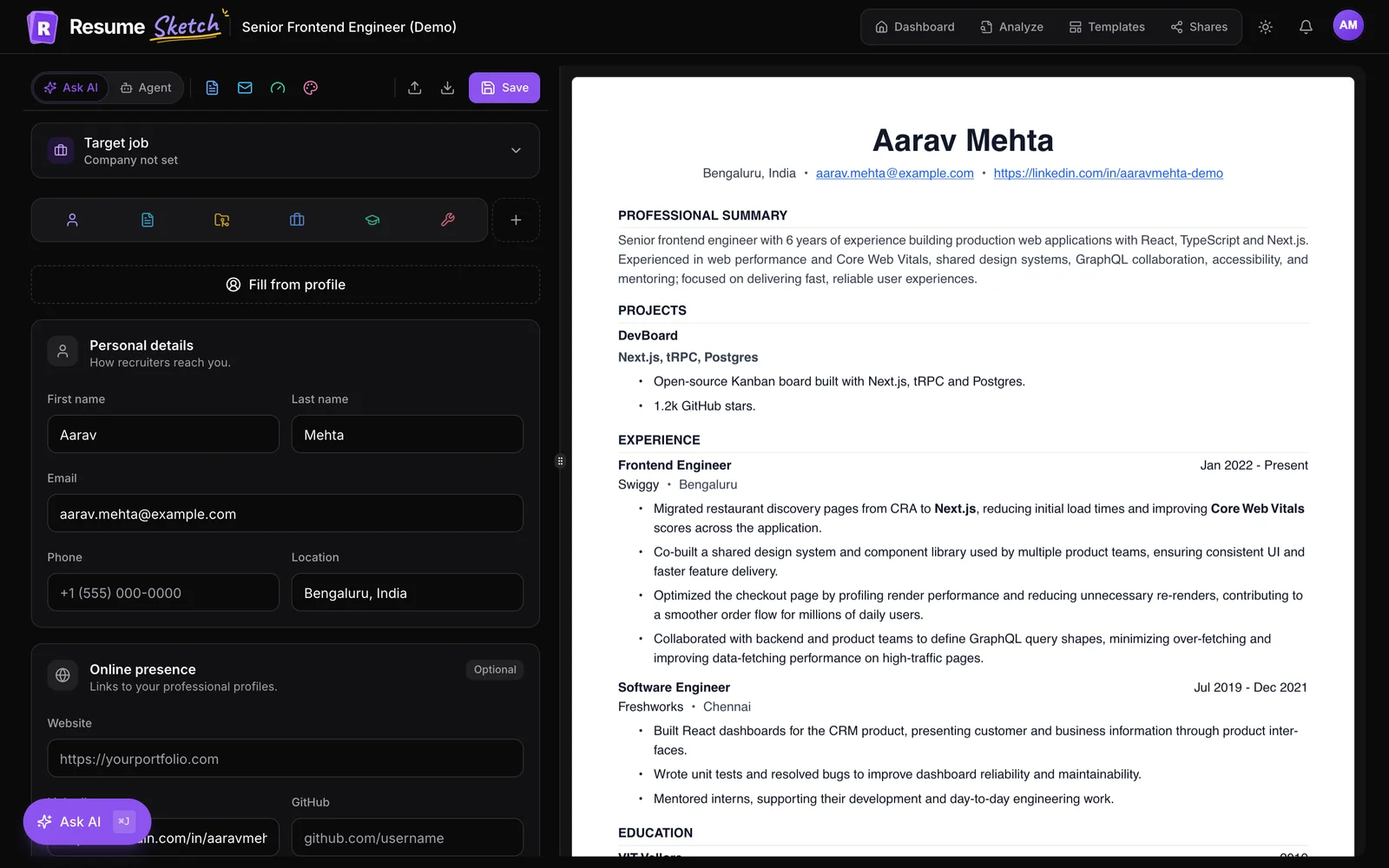
- A master profile. Your experience, projects, education and skills are stored once. New resumes start from that profile, so facts stay consistent.
- Templates built for ATS. Many ATS-friendly designs, including photo and role-based layouts, with a live PDF preview as you edit.
- A target job per resume. Paste a job description and the AI tailors its suggestions to that role.
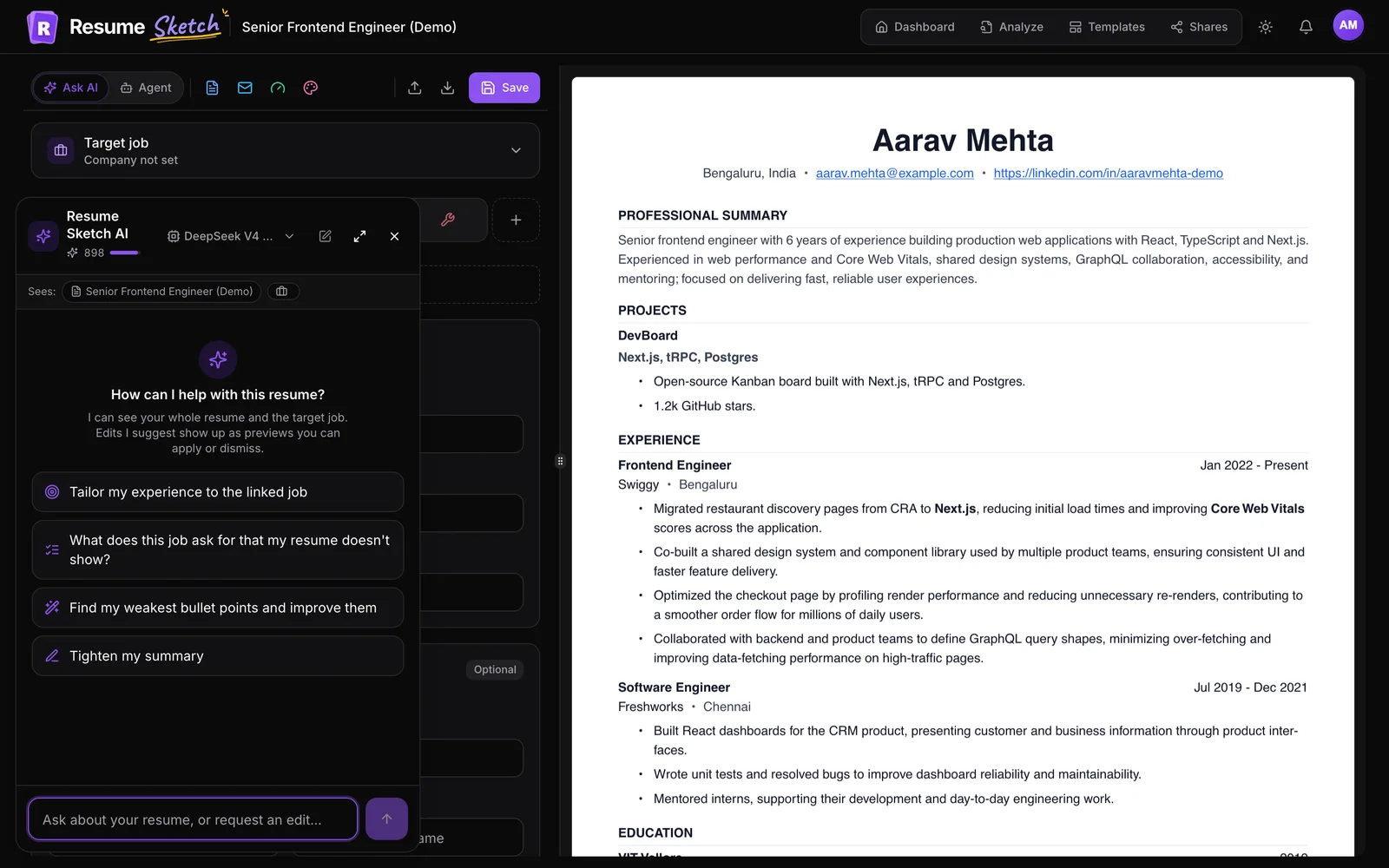
- An AI assistant that sees the whole resume. Ask AI (Cmd/Ctrl+J) suggests edits as previews you apply or dismiss.
- Checks before you send. A free ATS analyzer with a score, parse view and key improvements, plus a Score panel inside the editor.
- The rest of the application. Cover letters per resume, cold emails to recruiters, and share links with view counts.
05ChatGPT vs a resume builder, side by side
| What you need | ChatGPT or Claude alone | AI resume builder (Resume Sketch) |
|---|---|---|
| Brainstorming and drafting | Excellent | Good, inside the editor |
| Professional, ATS-friendly layout | Not built in | Yes, many templates |
| Tailoring to a job description | Yes, by pasting it in each time | Yes, saved as a target job per resume |
| Checking how an ATS parses the file | Estimates only | Yes, free analyzer |
| Keeping facts consistent across versions | Manual | Yes, from your profile |
| Managing many tailored versions | Across chats and documents | One dashboard |
| Cover letters and outreach | Yes, as text | Yes, tied to each resume |
| Cost | Depends on your ChatGPT or Claude plan | Free plan available, Pro $10/month |
Chat alone works if
- You need one resume, not ten versions
- You already have a template you trust
- You are comfortable checking ATS parsing elsewhere
A builder is worth it if
- You are applying to several roles
- You want a finished PDF without formatting work
- You want a check before you hit send
06The best of both: use Resume Sketch inside ChatGPT or Claude
You do not have to switch tools. Resume Sketch has a connector for ChatGPT and Claude, so you can ask your usual assistant to create a resume from your profile, tailor it to a job post or add a section, and the changes appear in the Resume Sketch app right away. Using it this way does not use Resume Sketch AI credits.
- 1
Copy your server URL
The server URL is
https://app.resumesketch.com/api/mcp(also in Profile → ChatGPT & Claude). Full steps are in the connector guide.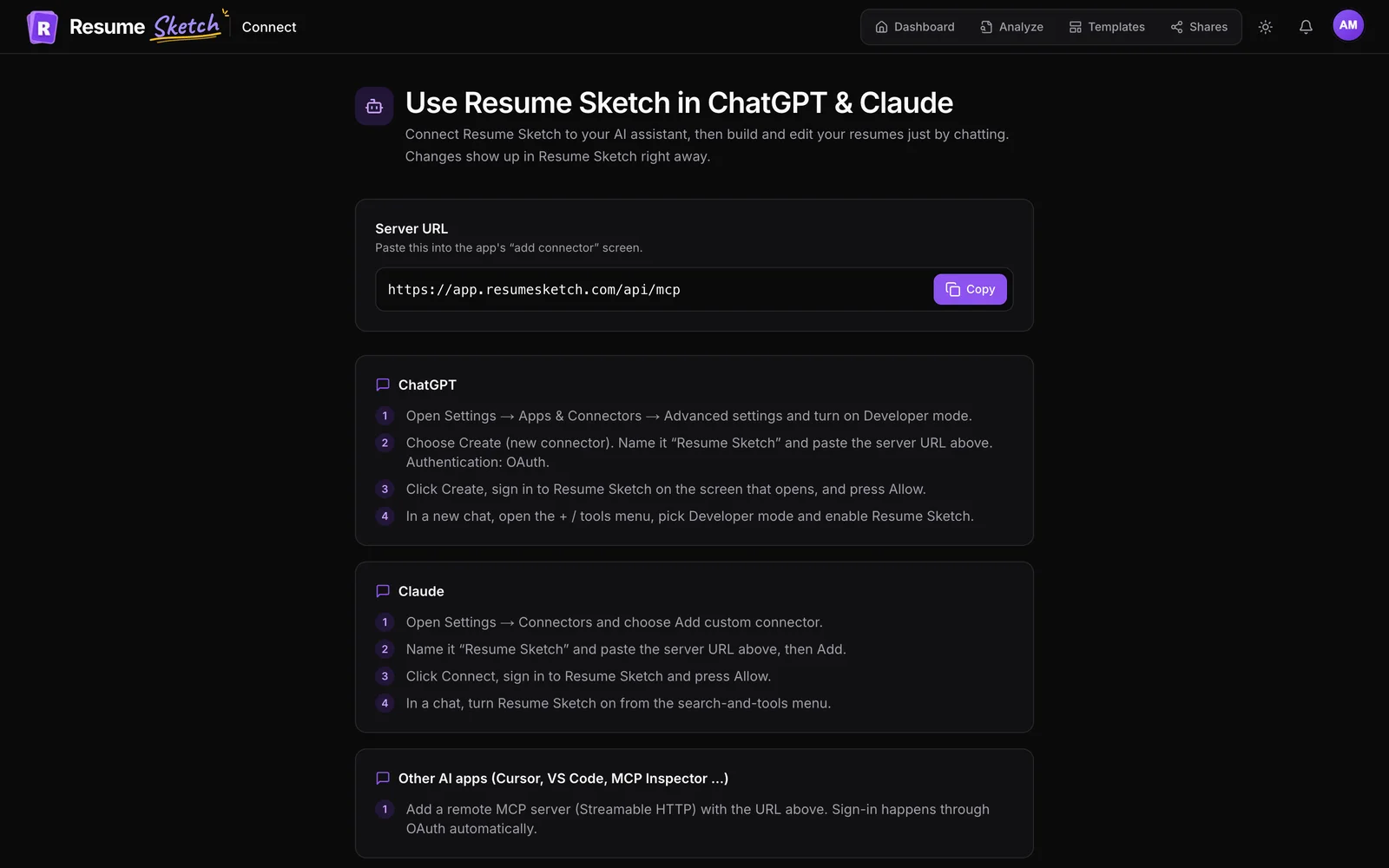
- 2
Add it in ChatGPT
In ChatGPT, open Settings, then Apps & Connectors, and turn on Developer mode under advanced settings. Create a new connector, name it Resume Sketch, paste the URL and choose OAuth. Sign in to Resume Sketch and allow access.
- 3
Or add it in Claude
In Claude, open Settings, then Connectors, and choose Add custom connector. Paste the URL, add it, then click Connect, sign in to Resume Sketch and allow access.
- 4
Turn it on in a chat and ask
Enable Resume Sketch from the tools menu in a new chat, then ask for what you need. For example: Create a resume for a senior product manager role from my profile, using a modern template.
Prompts that work well through the connector
- Tailor my Software Engineer resume to this job post: [paste].
- Rewrite every bullet in my latest resume to start with a strong verb and include a number, but only numbers already in my profile.
- Add a Certifications section with AWS Solutions Architect (2024).
- Make a copy of my resume for a data analyst role and get me a share link.
07So which should you use?
If you need a single resume and you are comfortable with formatting and checking it yourself, ChatGPT or Claude alone can get you there. Be strict about facts and test the final file in an ATS checker.
If you are applying to several roles, want a professional template without the formatting work, and want to check each version before sending, use a builder. And if you like working in a chat, connect the two so you never have to copy and paste between them.
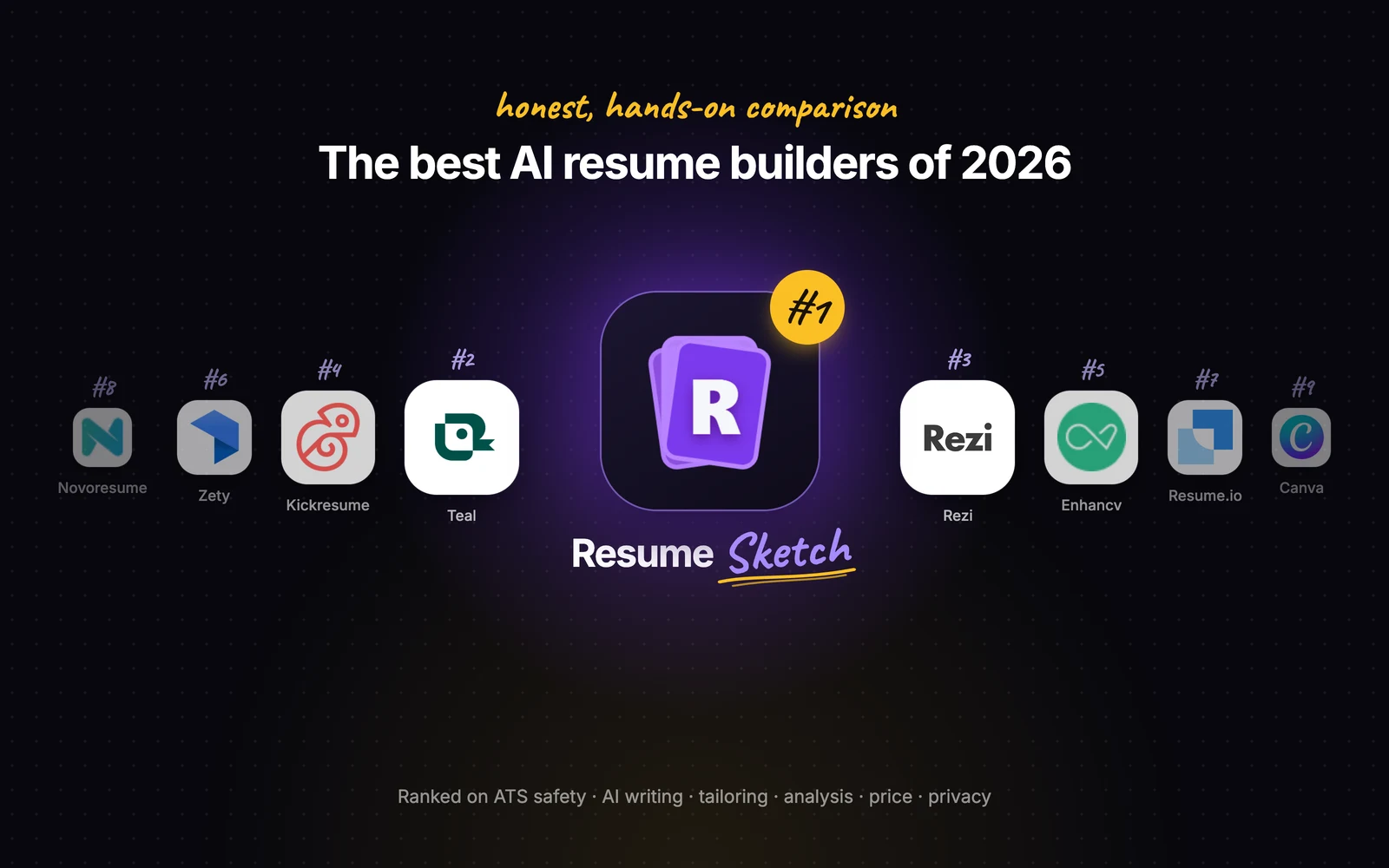
Still comparing builders? See our honest ranking of the best AI resume builders of 2026.
Frequently asked questions
Can ChatGPT write my resume for me?
It can draft strong content if you give it real facts, but it does not provide an ATS-tested template, a parse check or a way to manage tailored versions. Most people get the best result by drafting in chat and finishing in a resume builder.
Is a resume written in ChatGPT ATS-friendly?
The text can be, but ATS-friendliness depends mostly on the final file and layout. Put the content into a clean template and test the exported PDF in an ATS analyzer before you apply.
Can I use Resume Sketch from inside ChatGPT or Claude?
Yes. Add Resume Sketch as a connector using the server URL from the setup page in the app. You can then create and edit resumes by chatting, and changes appear in Resume Sketch right away.
Does using the connector cost Resume Sketch credits?
No. When you work through ChatGPT or Claude, the AI runs in that app, so no Resume Sketch AI credits are used.
Is Claude better than ChatGPT for resumes?
Both are capable writing partners, and preferences vary. The bigger difference is the workflow around them. Resume Sketch connects to both, so you can use whichever you prefer.